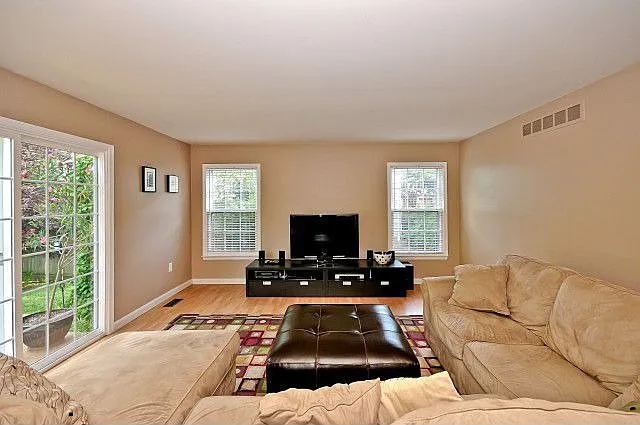
Residential Listing
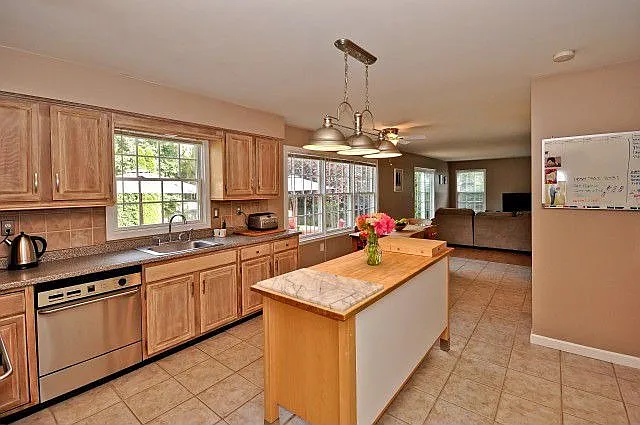
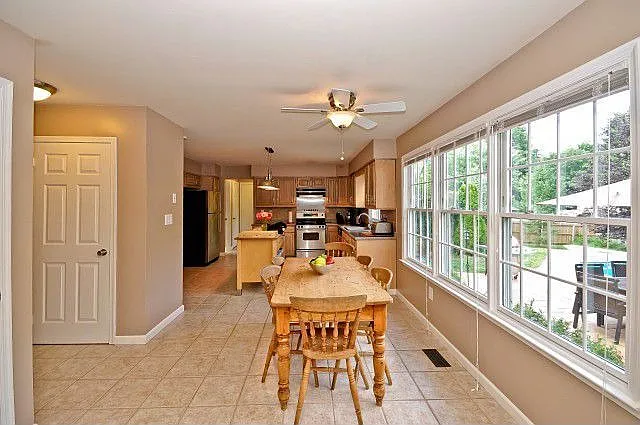
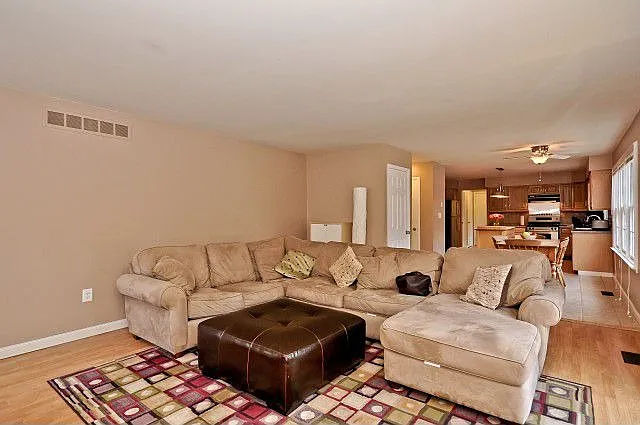
Kitchen-to-living flow
Show how the kitchen, dining space, and family areas connect so buyers understand the daily-use layout before they arrive.

HomePath 3D
Give buyers a clearer sense of layout, flow, and scale before the showing. HomePath 3D creates a private browser tour from approved listing media, with the best results coming from a slow walkthrough video, overlapping photos, or a dedicated scan.
Flat listing photos are useful, but they often make buyers guess how rooms connect. A 3D walkthrough gives them a clear path through the property, from the foyer to the kitchen, bedrooms, baths, and feature spaces.
Buyers can click through rooms, look around key spaces, and understand how the home connects before they decide to visit in person.
Use HomePath 3D when you want a listing presentation that feels premium, practical, and easy to share.
Book a 1 on 1 demoVisual Preview
HomePath 3D gives listing media a clearer structure: hero spaces, supporting rooms, and orientation points all work together so buyers understand the property before they arrive.
Book a 1 on 1 demo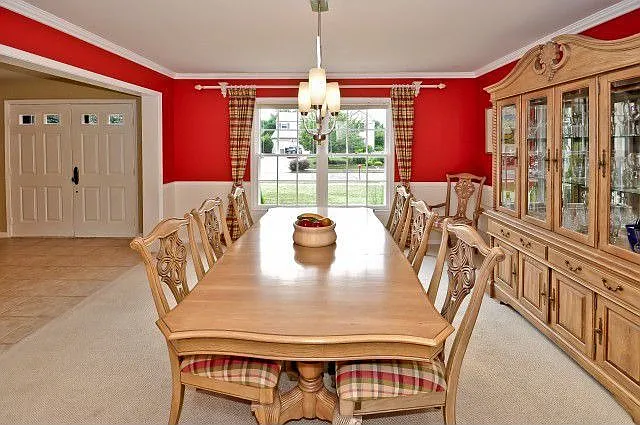
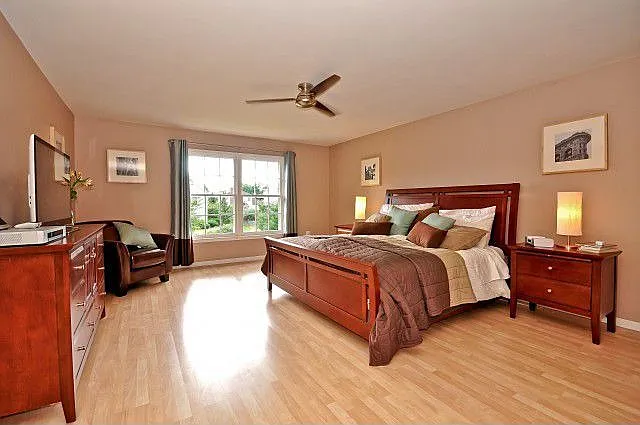
 Photos
 Video
Video
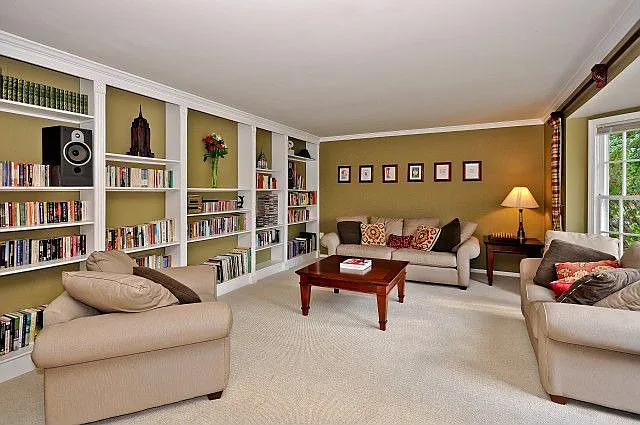 Room labels
 Review link
Example Direction
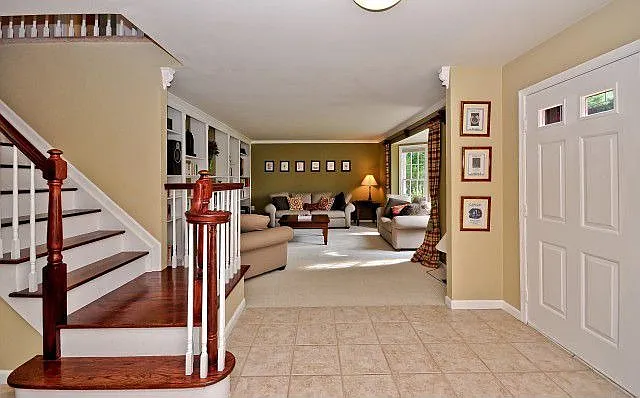
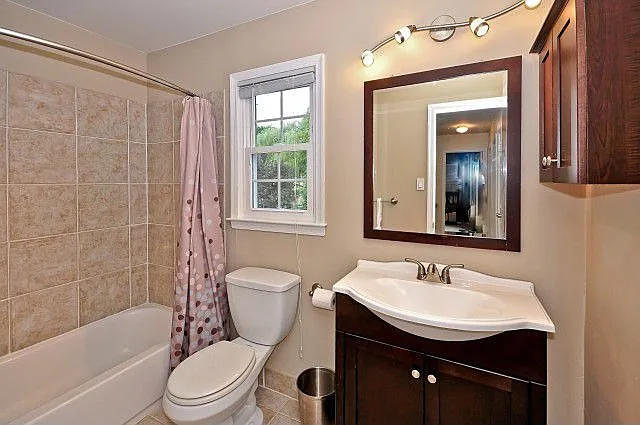
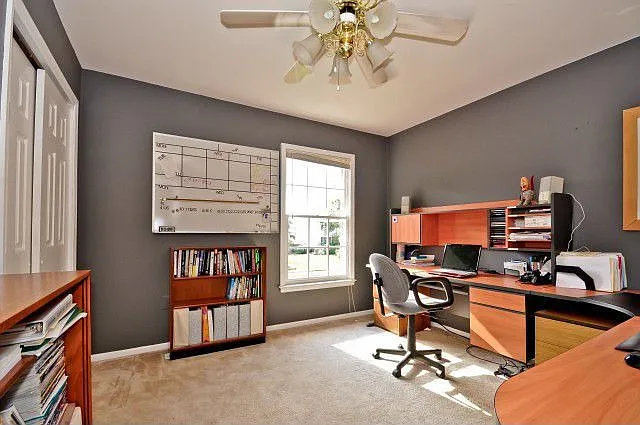
These previews use approved property imagery and a sample 3D layout to show the experience. A finished client walkthrough is built from the actual property capture.
Show how the kitchen, dining space, and family areas connect so buyers understand the daily-use layout before they arrive.
Let clients jump from room to room or walk naturally through the home, reducing confusion from photo order alone.
Give sellers a concrete upgrade they can see: a modern walkthrough link that helps the property stand out online.
Buyers can understand room size, sightlines, and layout before scheduling a tour.
Agents can show sellers a premium marketing asset that goes beyond photos and a standard video.
People who book after exploring the walkthrough tend to have a clearer sense of the property.
The walkthrough can be linked from email, text, social posts, QR cards, listing pages, and open house follow-ups.
Simple Workflow
Send approved listing photos, a slow phone walkthrough video, floor plans if available, or schedule a dedicated capture for the most accurate result.
Turn the capture into a browser experience with room navigation, visual context, and a clean interface.
Check the tour with the agent or seller so private areas, labels, and presentation details are right.
Deliver a private walkthrough link ready for buyer emails, listing materials, and follow-up conversations.